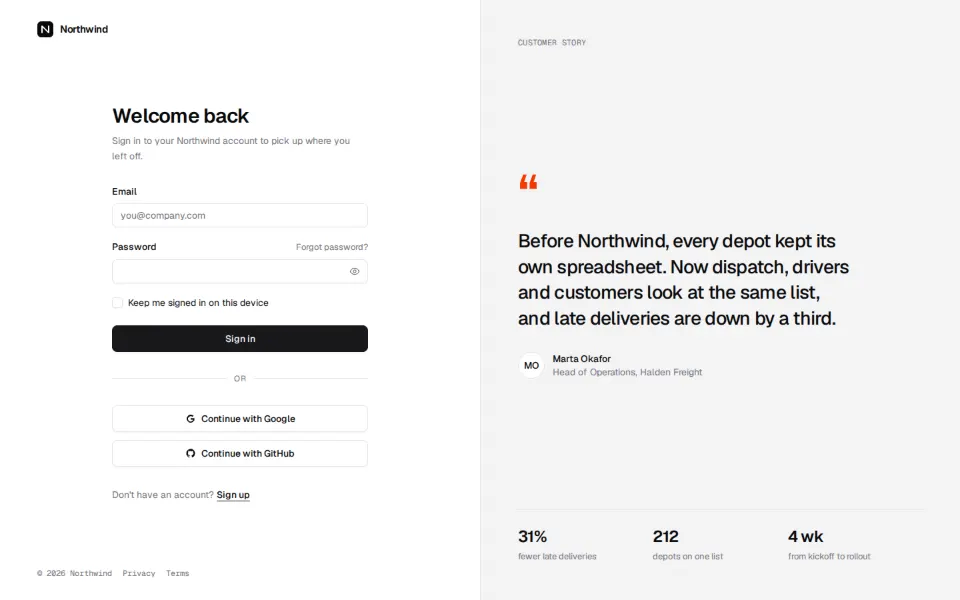
Login
5 blocksPro1Sign-in pages: the form, the way back in, and a little of your product around it.
Whole pages and page sections built from our components, in 11 app and 16 marketing families. Check each one at desktop, tablet and phone width, then add it with one command.
Sign-in pages: the form, the way back in, and a little of your product around it.
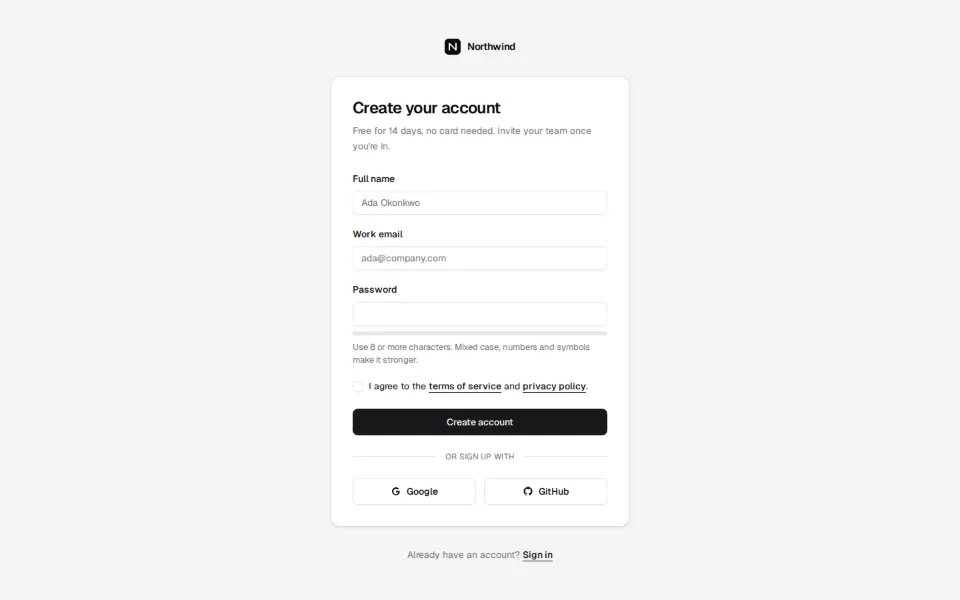
Registration pages that ask for as little as they can and check it as people type.
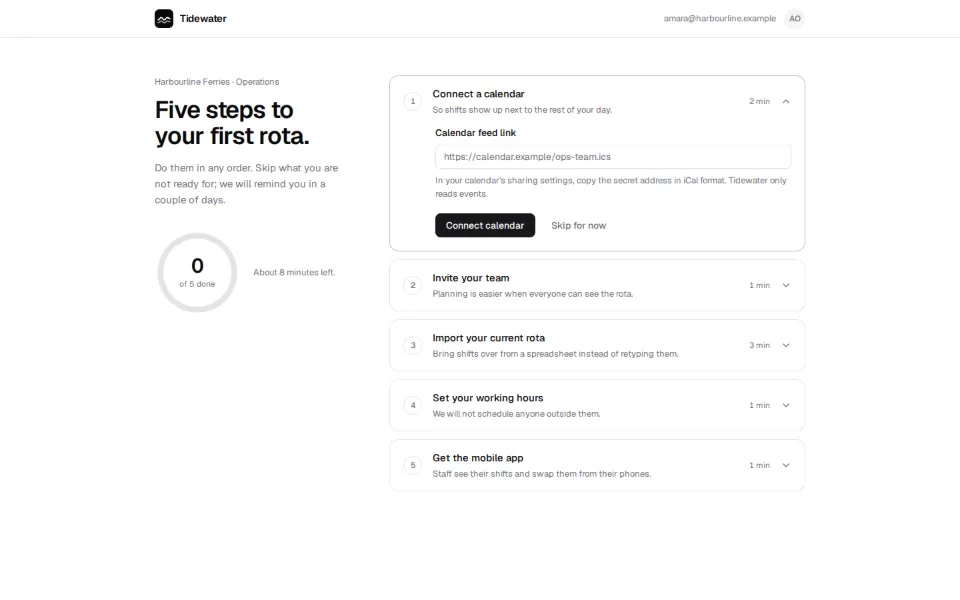
First-run flows: pick a workspace, invite a team, get to the first useful screen.
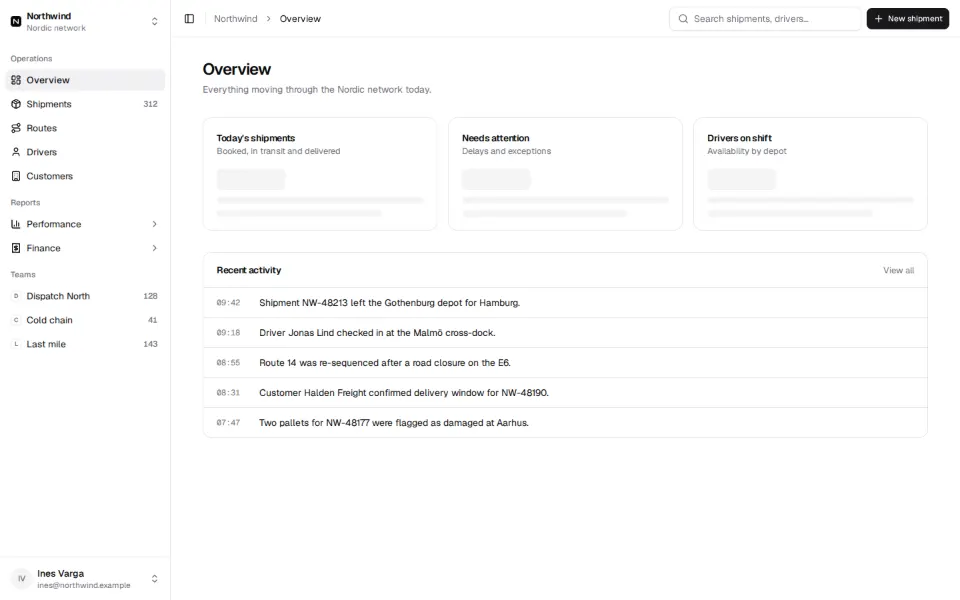
Application shells: a collapsible sidebar, a top bar and room for the page.
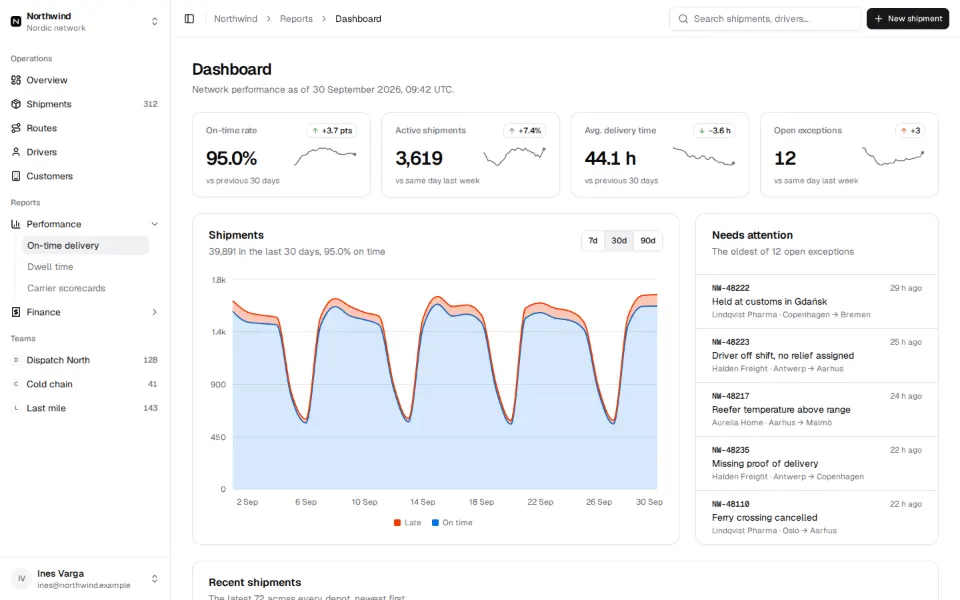
Overview screens: key numbers, charts and the table behind them.
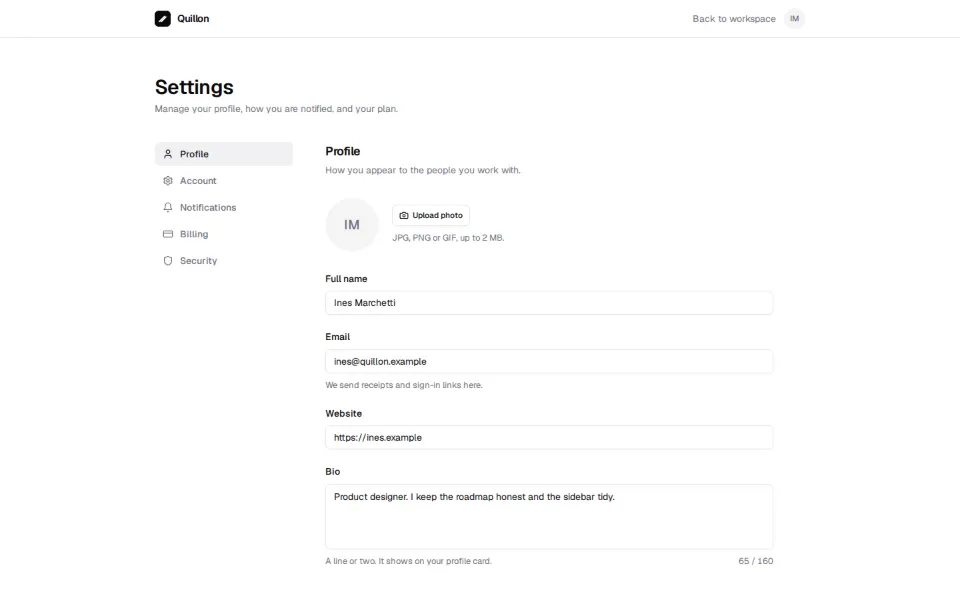
Account, workspace and billing settings, laid out so people find what they came for.
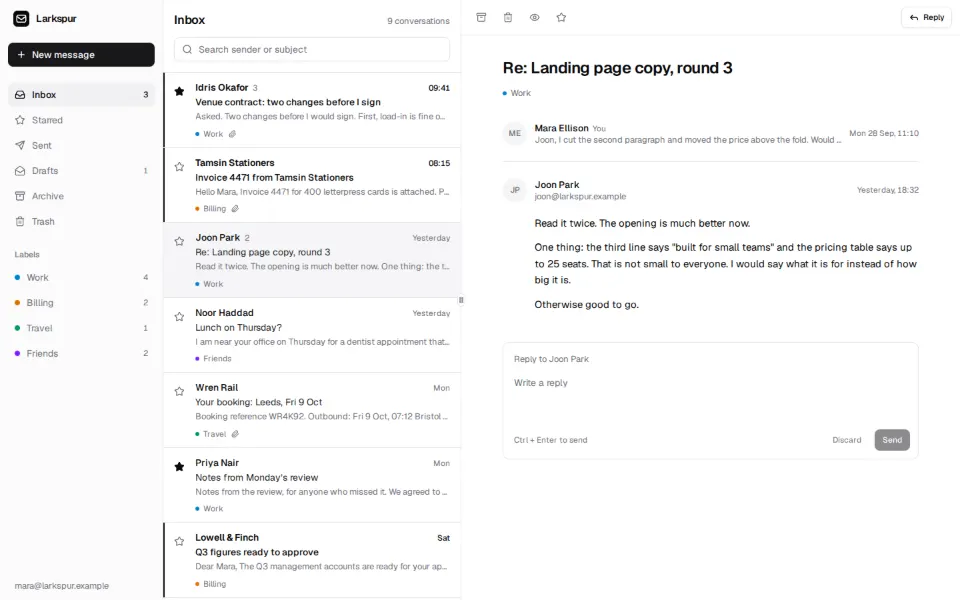
Lists of messages or notifications with a reading pane beside them.
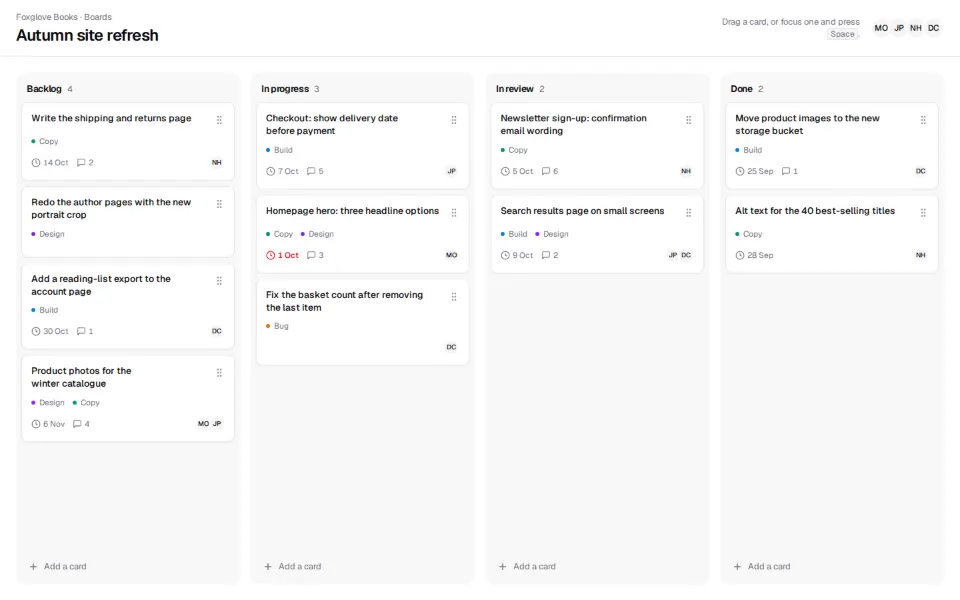
Boards of cards in columns, for work that moves from one state to the next.
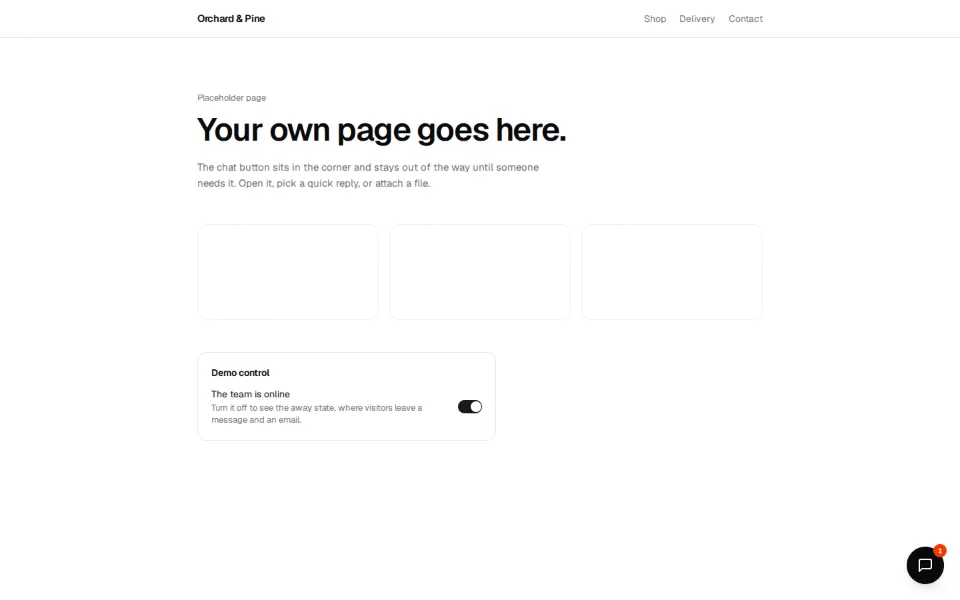
Conversations: a thread, a composer and the people in it.
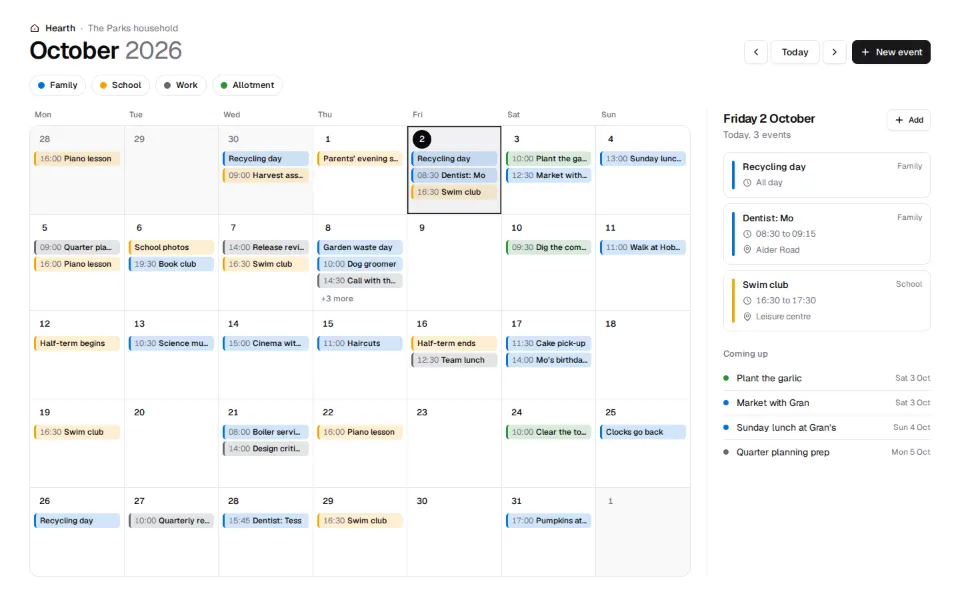
Month, week and agenda views for anything that happens on a date.
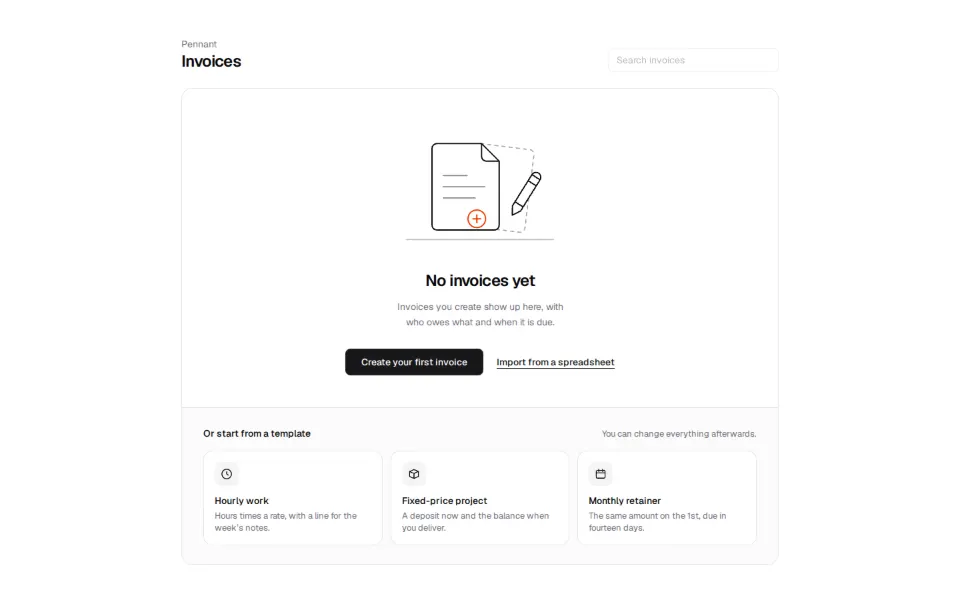
What a screen says when there is nothing in it yet.
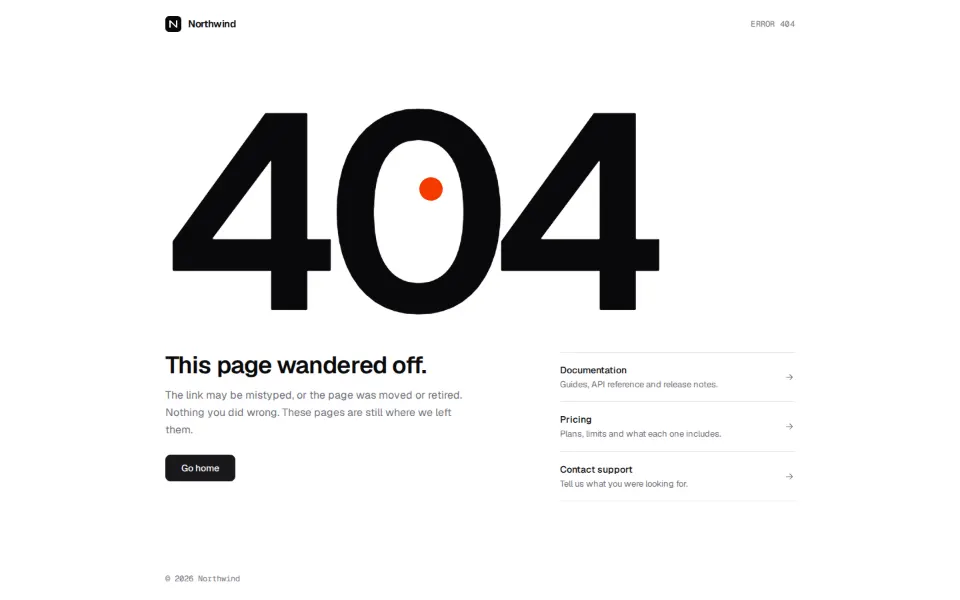
404 pages with honest copy and somewhere to go next.
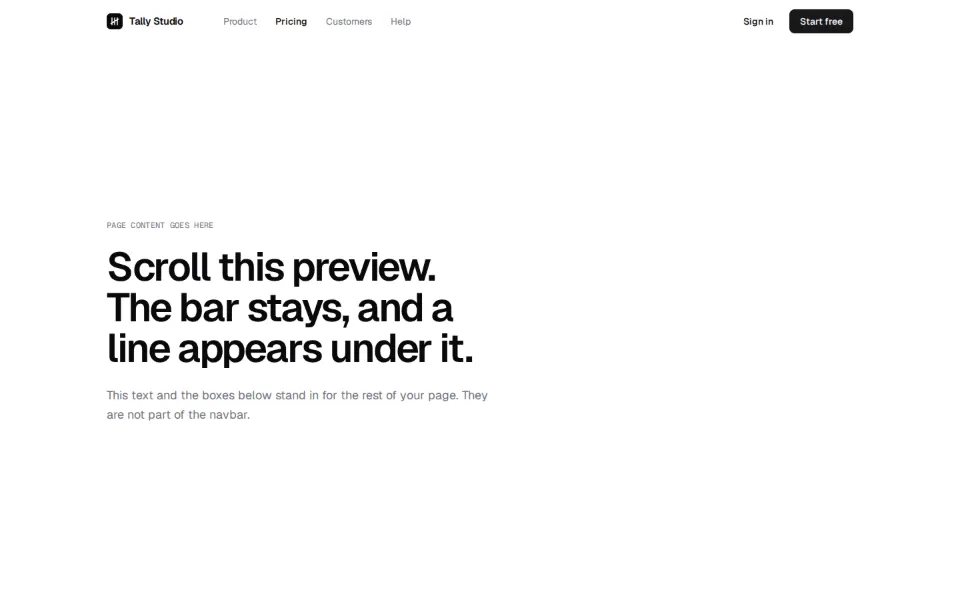
Site navigation: logo, links, actions and a menu that works on a phone.
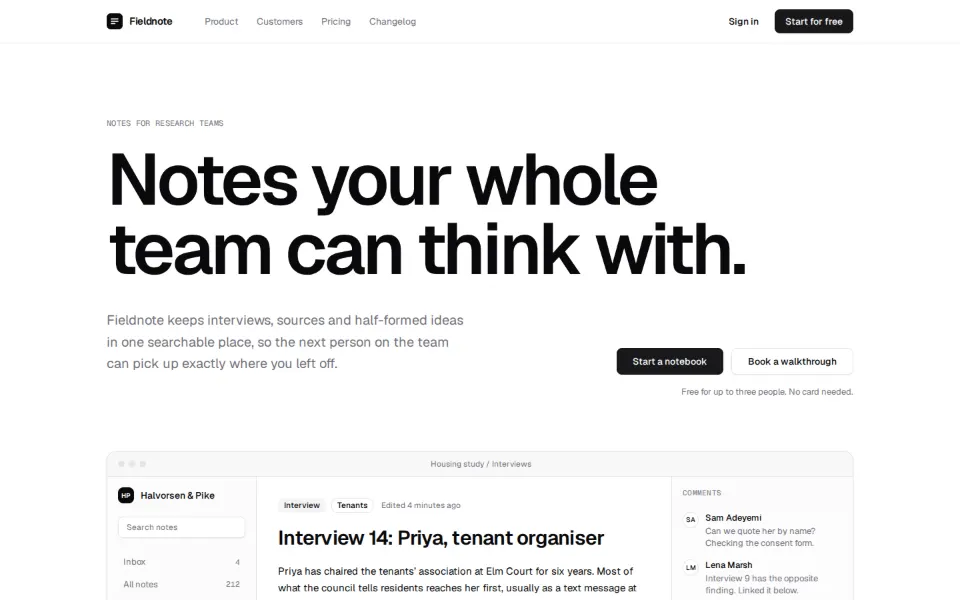
The first screen of a landing page: a headline, a way in and something to look at.
A row or grid of customer and partner names that earns trust at a glance.
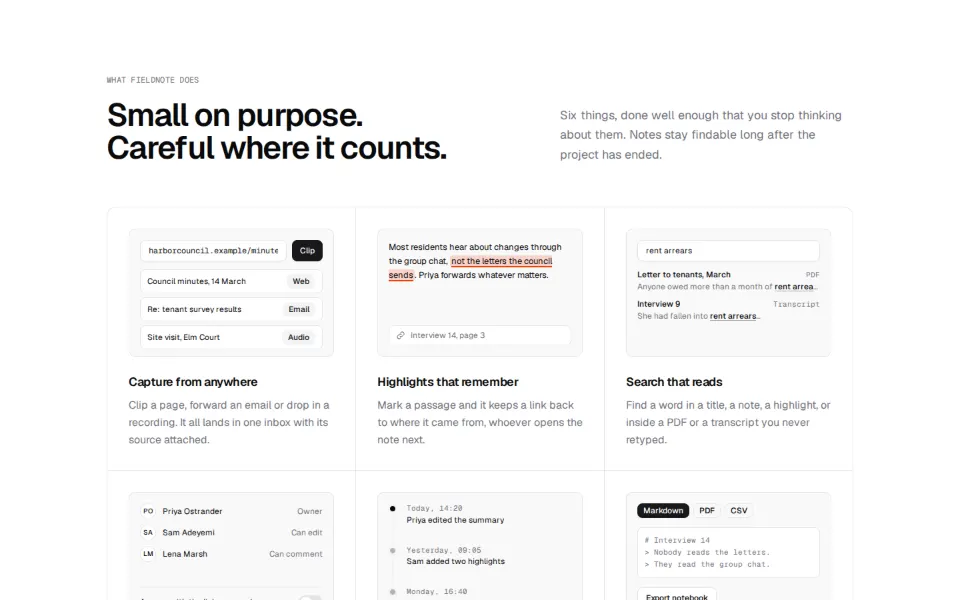
Sections that explain what the product does, one capability at a time.
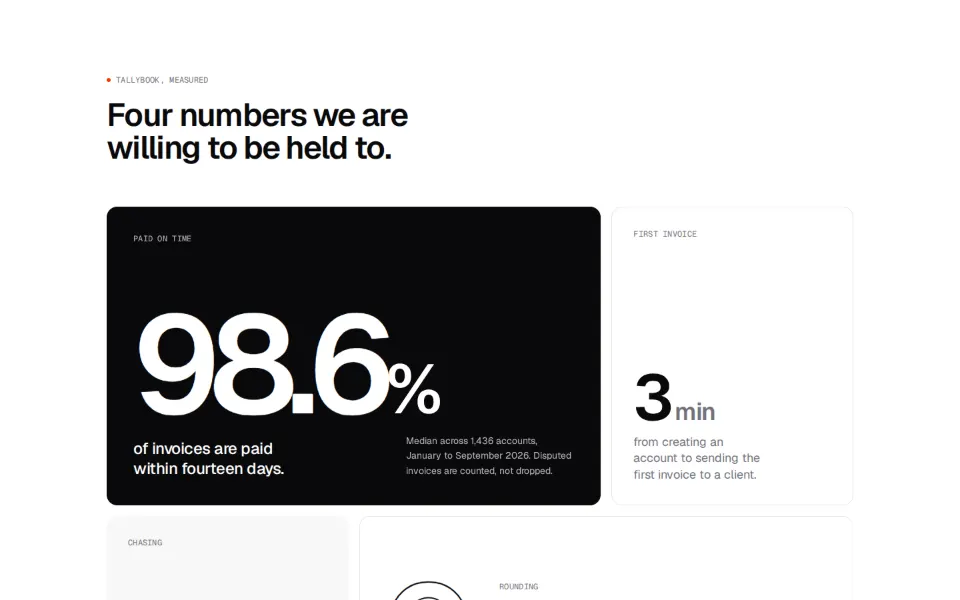
Feature grids of mixed-size tiles: numbers, small charts, quotes and pictures.
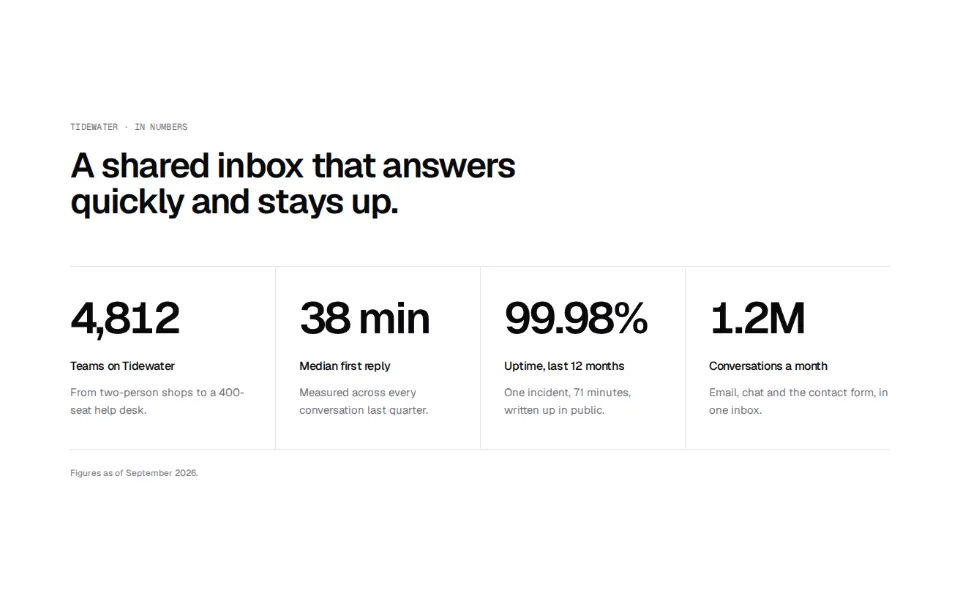
A few big numbers that back up the claims on the page.
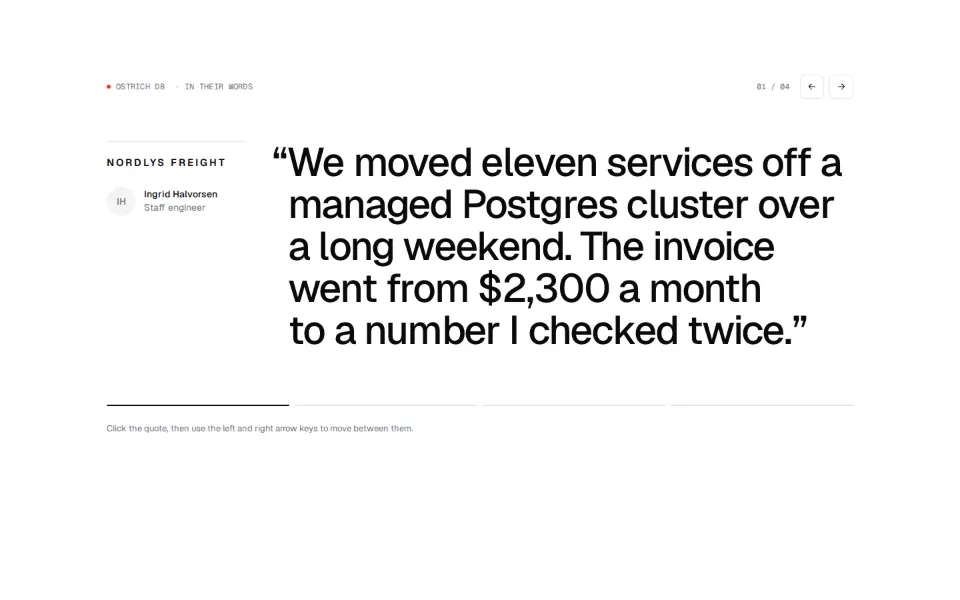
Customer quotes, as a wall, a carousel or a single large pull-quote.
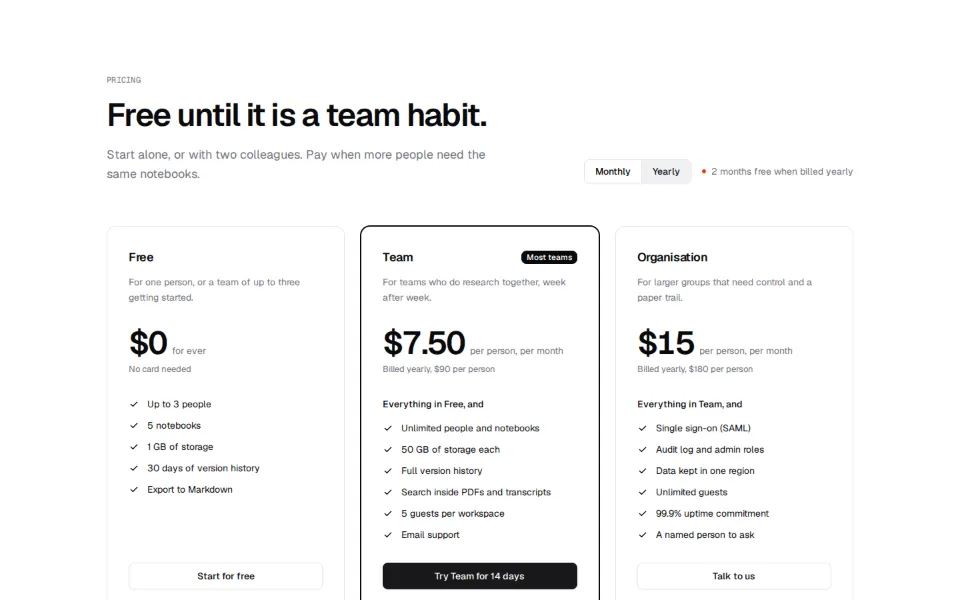
Plans and comparison tables, with billing toggles that behave.
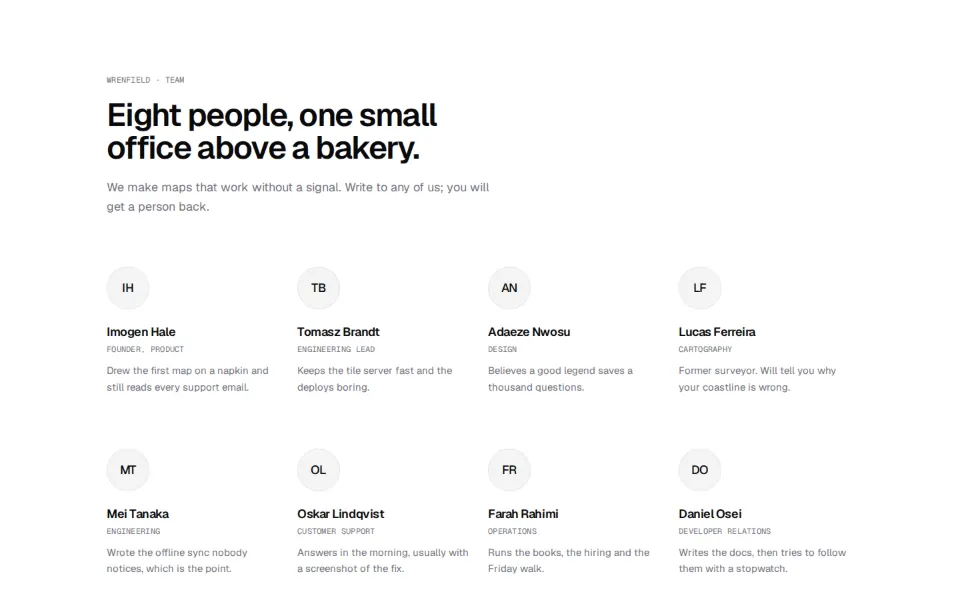
The people behind the product, as portraits, a list or a grid.
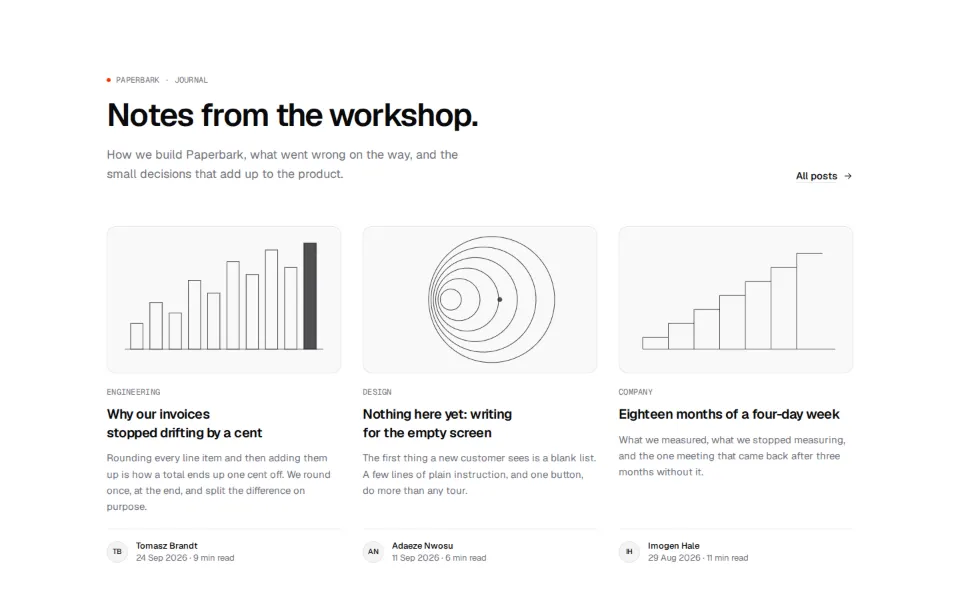
Post lists and article headers for a site that writes things down.
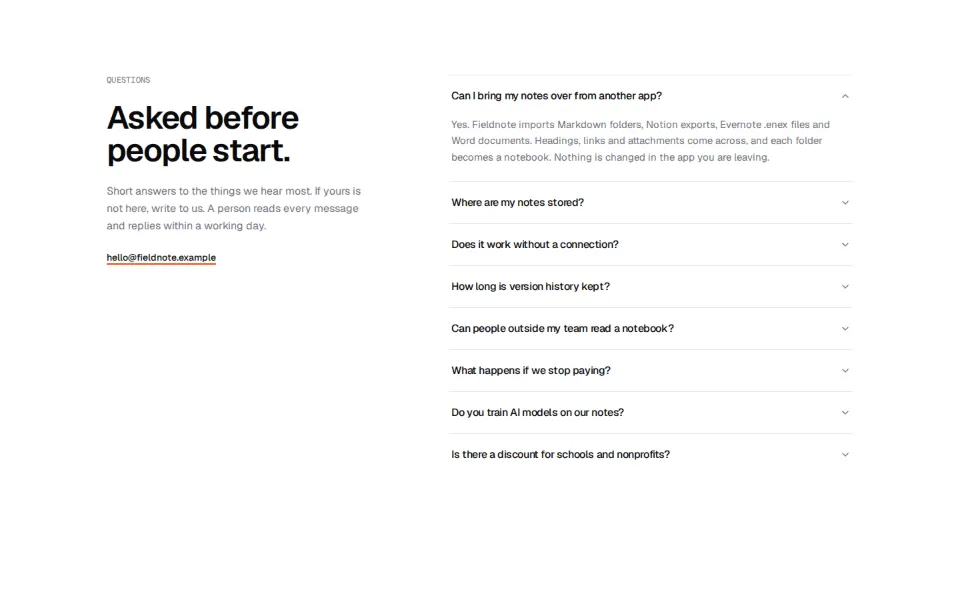
Answers to the questions people ask before they buy.
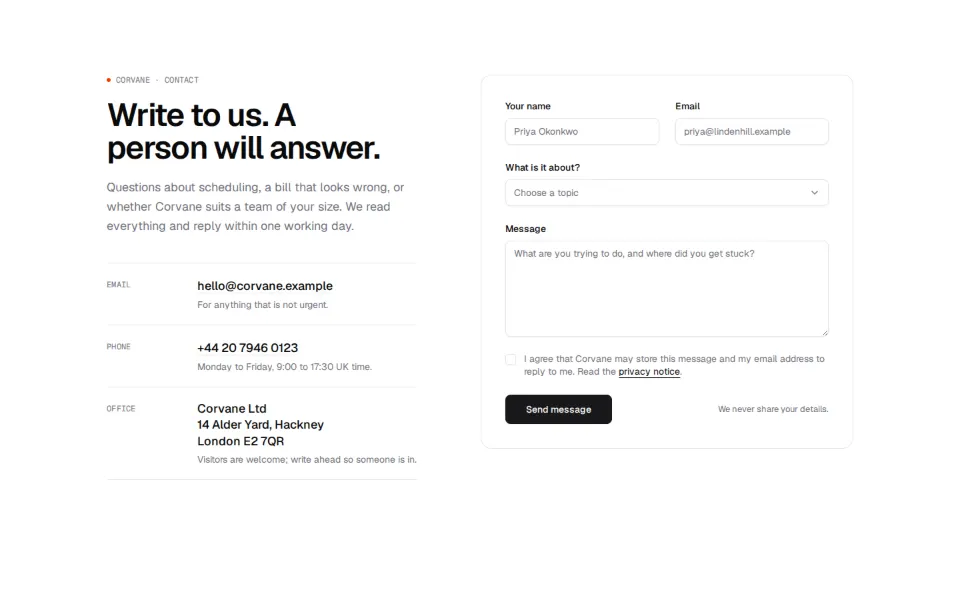
Ways to reach a person: a form, an address or a short list of channels.
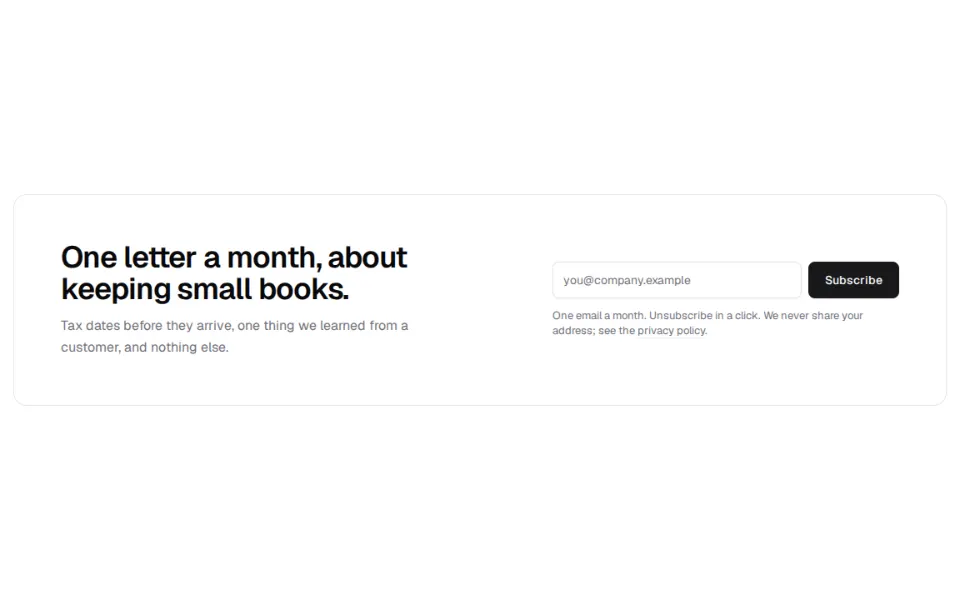
Email sign-up sections that confirm what they got.
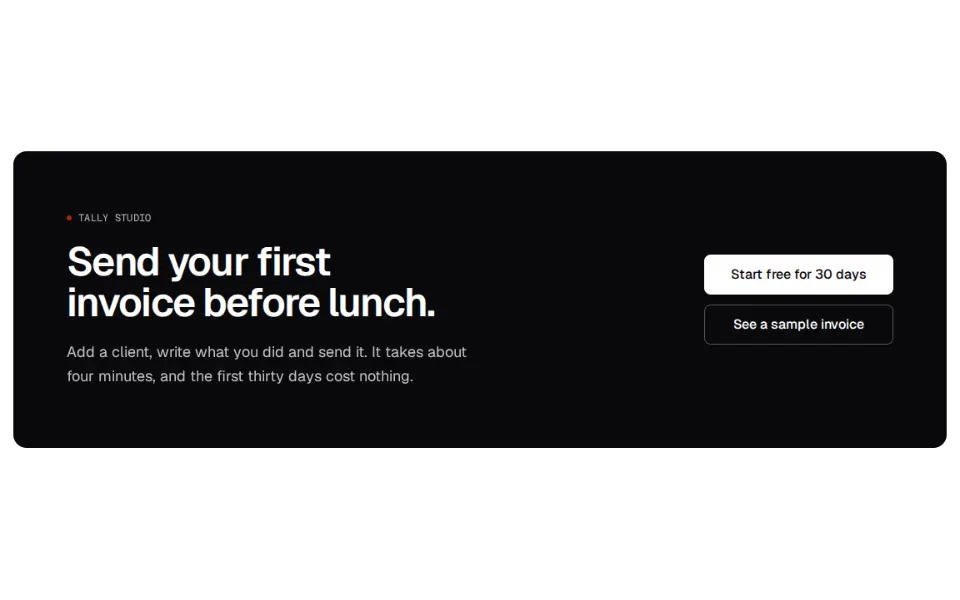
The last thing on a page: a call to action, then a footer with the links people look for.
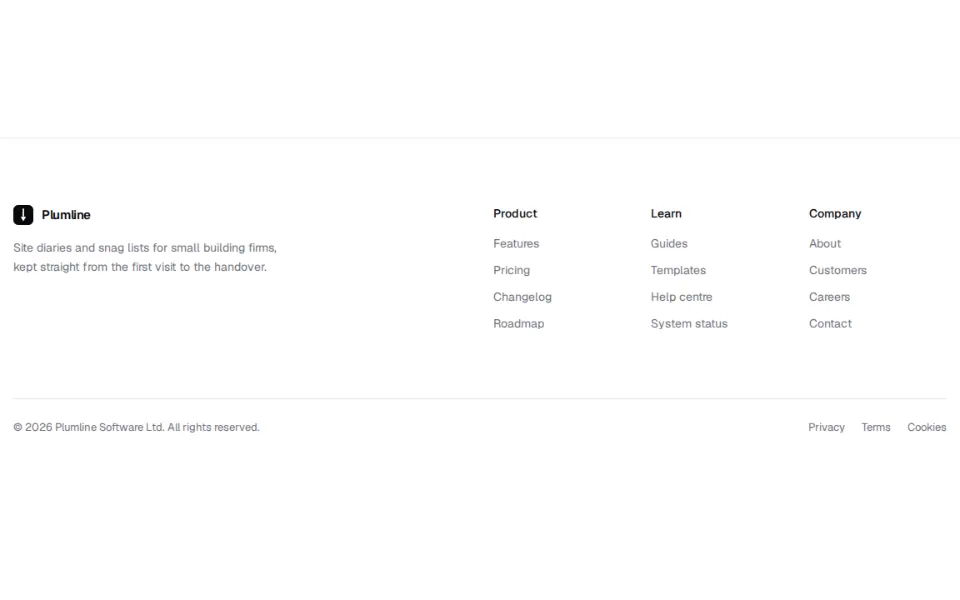
Page footers on their own: link columns, legal lines and sign-ups.