Changelog

What’s new

Every release, newest first: what was added to the catalogue and what changed.

  1. Generative Tree

    Generative Tree grows a seeded tree on a Canvas2D that sways and drops petals. Later the same day it gained a cactus form, saguaro or prickly pear, with Saguaro and Desert Bloom presets. Lightning joined the effects package, and the header and block tabs now fit at tablet and phone widths with large text.

    • 1 new effect
  2. Type effects, a QA sweep and the MIT licence

    A run of type and texture effects: Scramble Text, Morphing Glyphs, Text on Path, Type Vortex, Cloth Type, Cymatics, Stream Lines, Constellation and Tactile Toggle, plus two elements effects: Lightning, and Fire, a painterly shader flame for a hearth, a candle or burning type. A QA pass fixed sideways overflow on narrow phones and with large text, and added hover, pressed and focus states across the base components. Free items are now MIT licensed, and the 12 free effects are packaged as @kagadmodyaa/effects (built, not yet published to npm).

    • 11 new effects
  3. The block library is complete, and effects begin

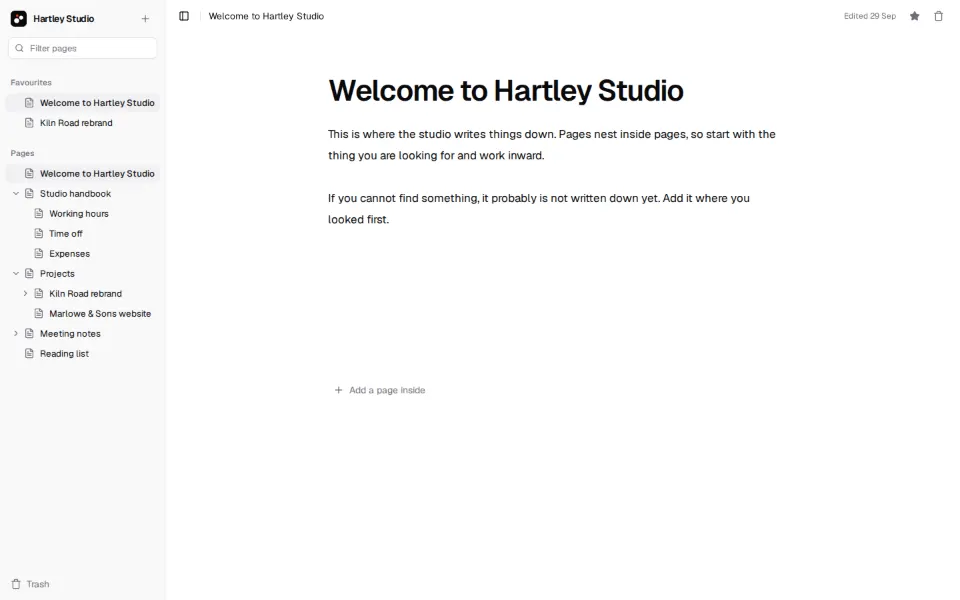
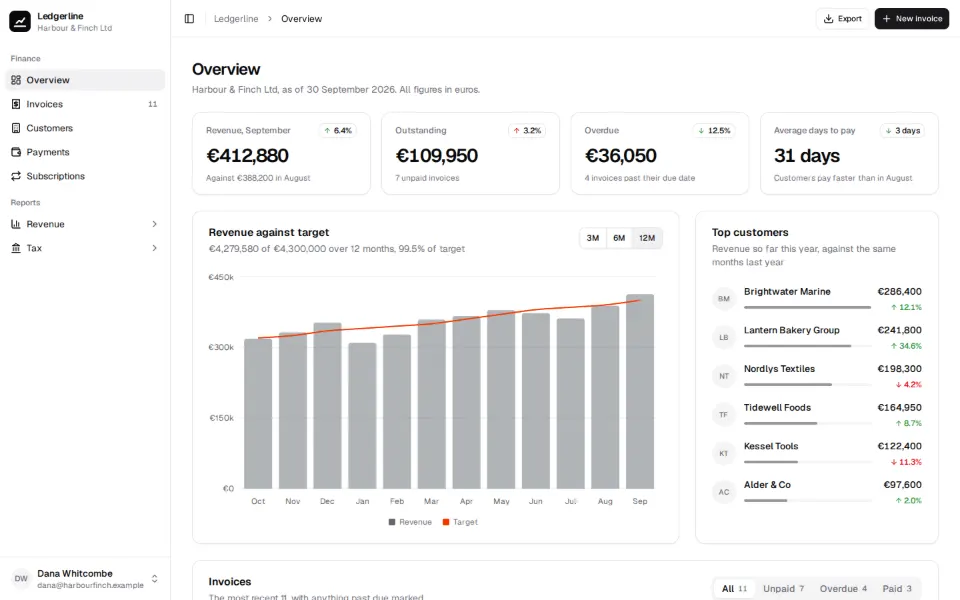
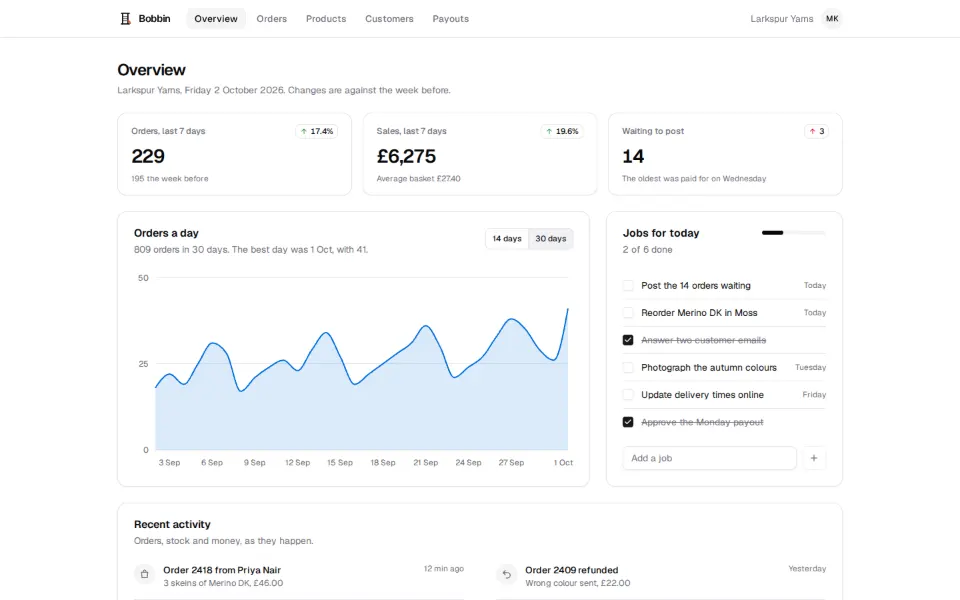
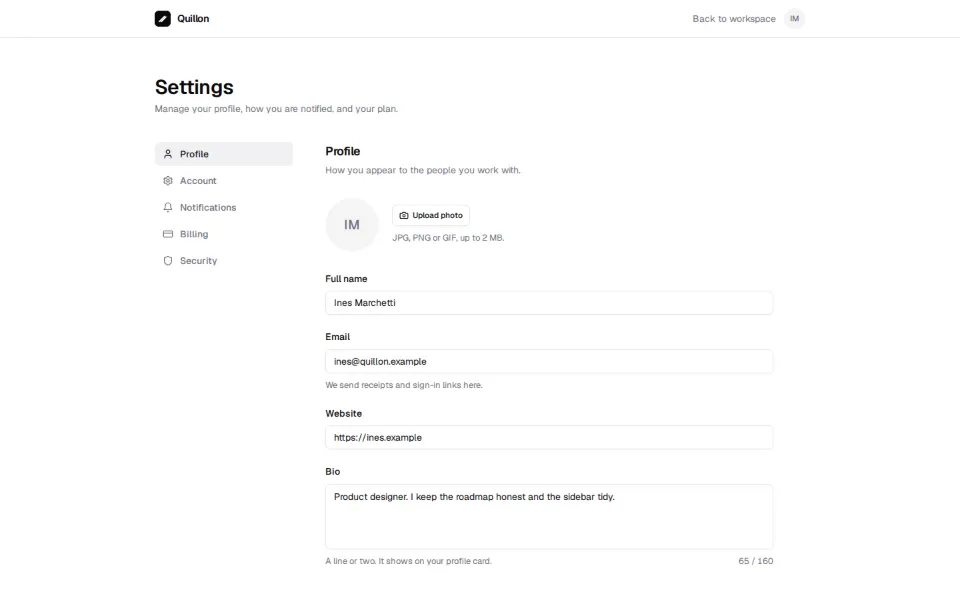
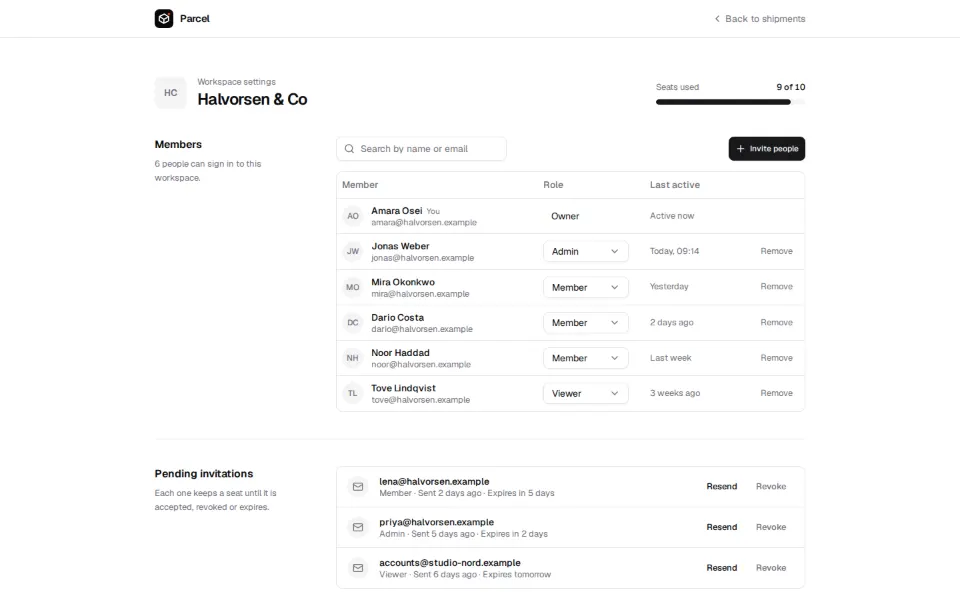
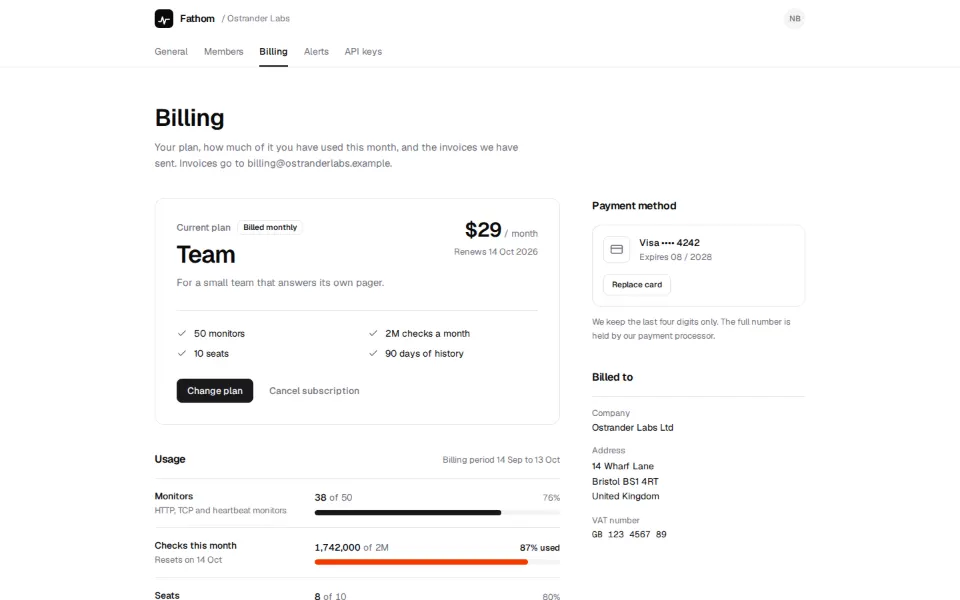
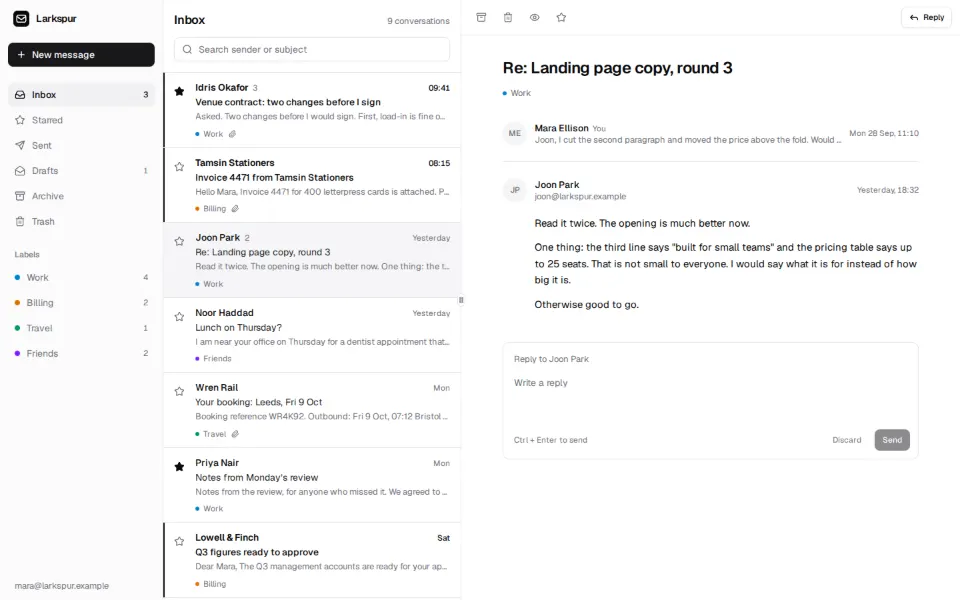
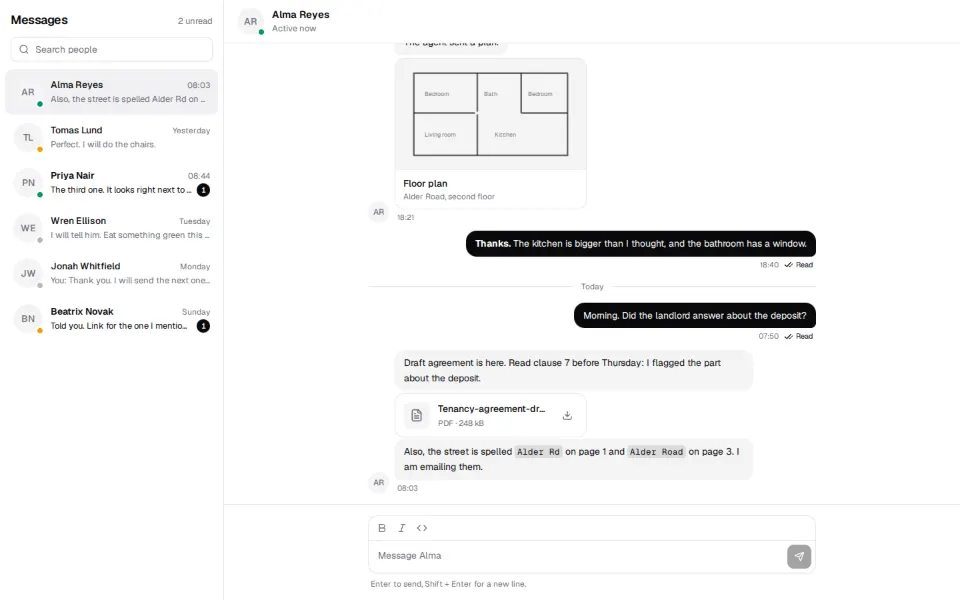
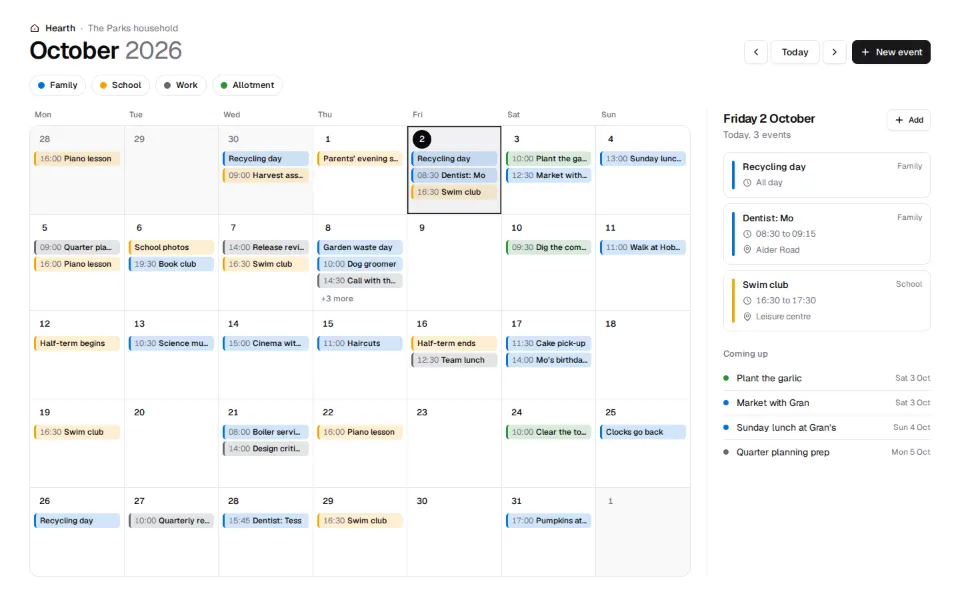
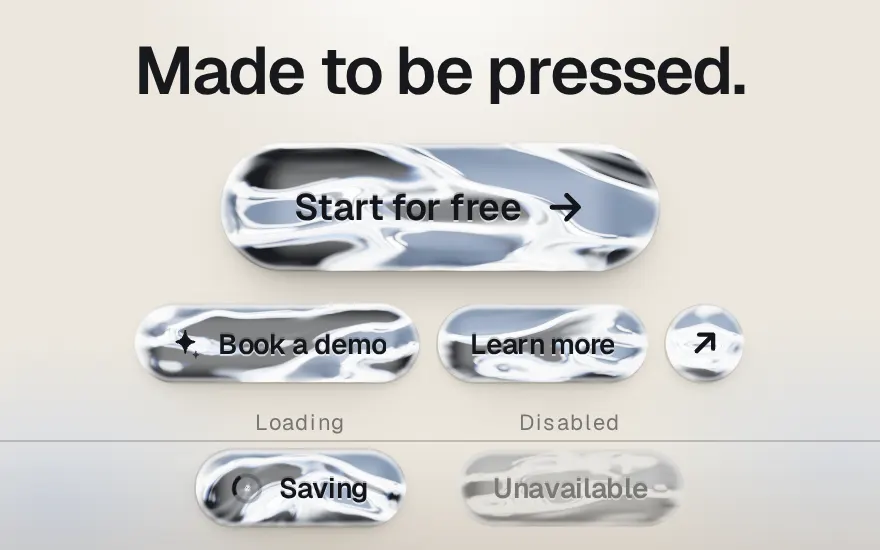
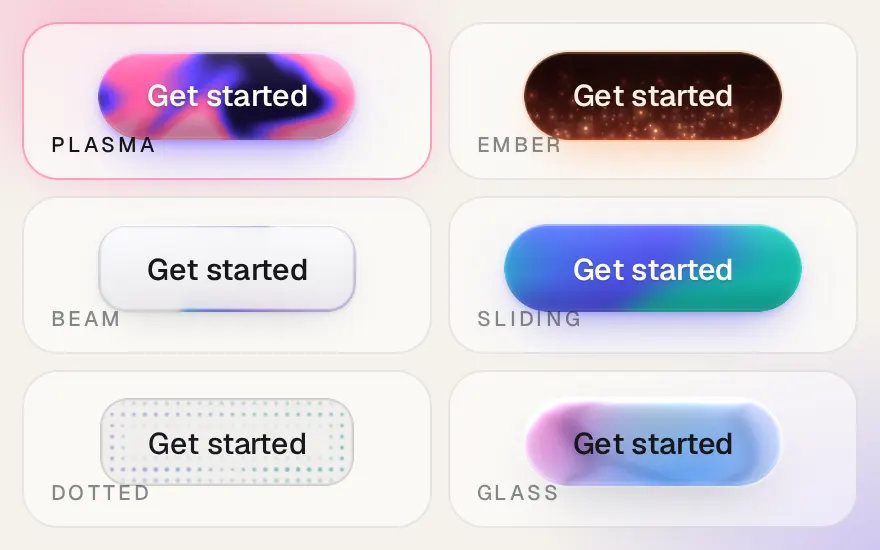
    Six rounds of app and marketing blocks took the library to 119: sidebars, dashboards, settings, inboxes, kanban, chat and calendars on the app side; heroes, pricing, testimonials, navbars, footers, blogs, contact forms and more on the marketing side. The same day the effects collection started, with Aurora Ribbons, Molten Chrome, Shader Buttons, Drift Field, Liquid Metal Button, Halftone Signal, Ember Badge, Warp Tunnel, Plasma Core, Lumen CTA and Horizon Dunes.

    • 93 new blocks
    • 11 new effects
  4. Chart variants, badges and the first blocks

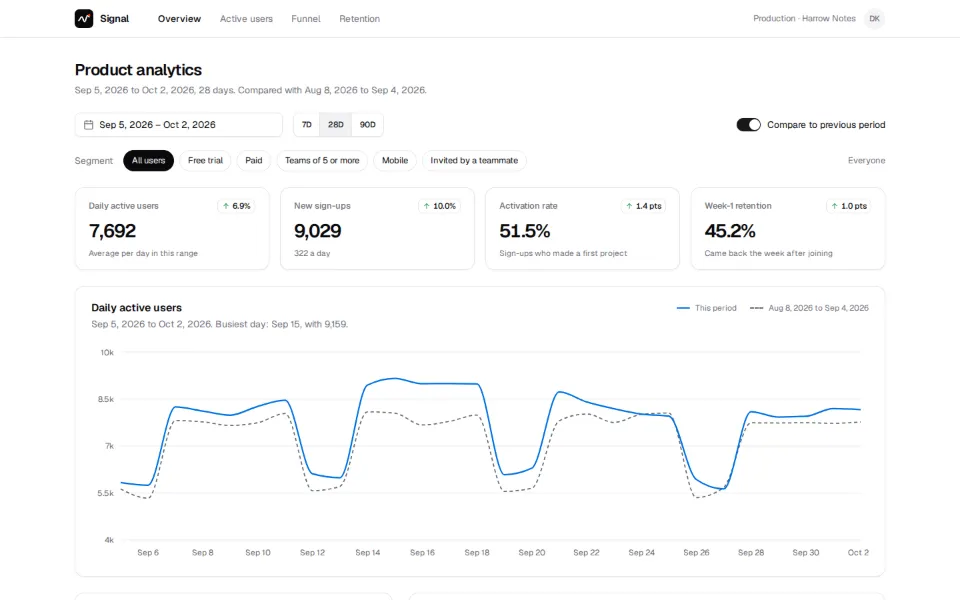
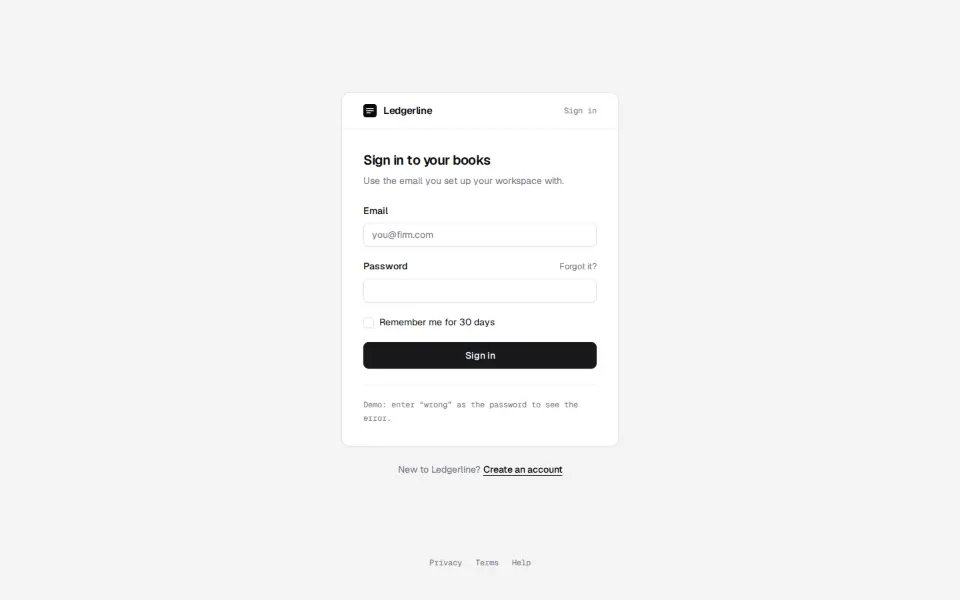
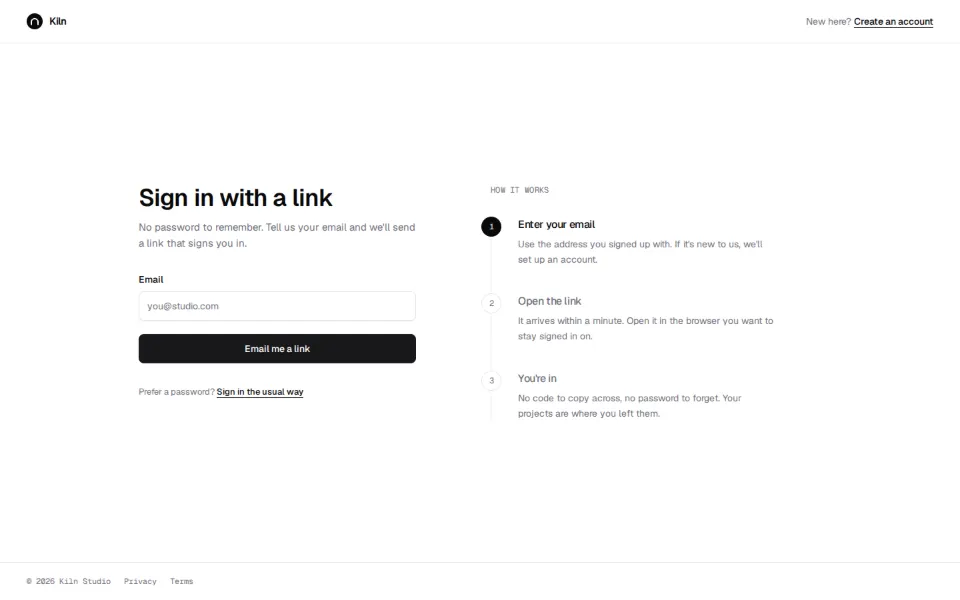
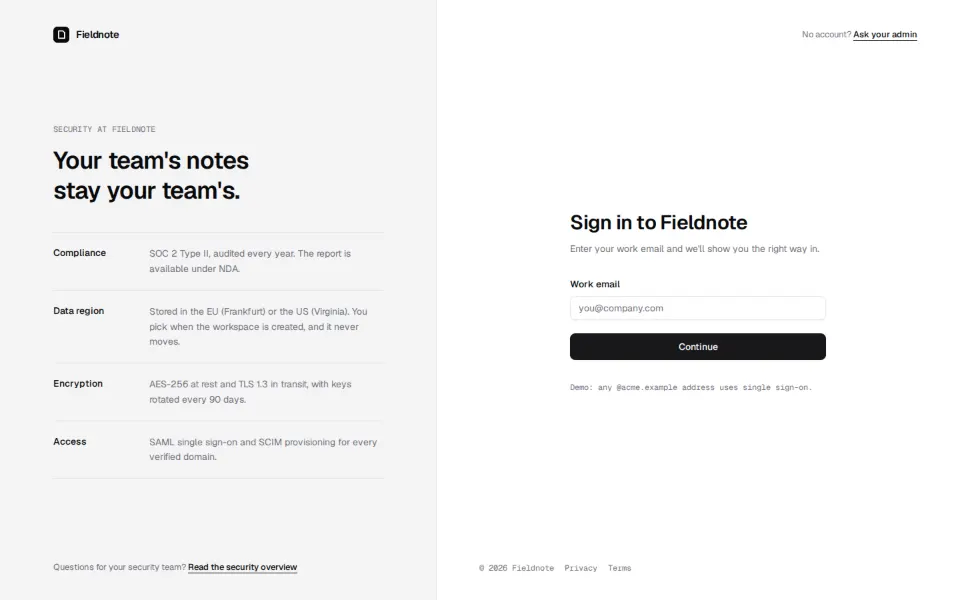
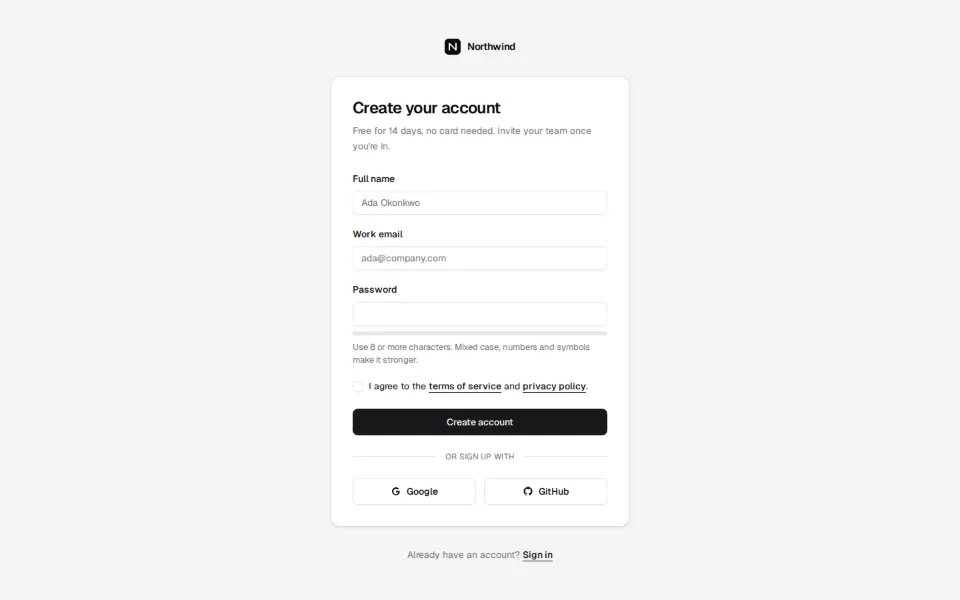
    Every chart type now has eight to ten variants (66 in all), with a new tooltip set. Items carry New and Updated badges based on their dates. Blocks arrived with their own pages and live previews, starting with the login, signup, hero and features families, and the Apple Bite effect landed.
    • 1 new chart
    • 26 new blocks
    • 6 updated charts
  5. Form controls, overlays and the first charts

    The bulk of the component set: inputs, checkboxes, switches, selects, dialogs, menus, popovers, tables and the rest of what a product UI needs, along with area, bar, line, pie, radar and radial charts built on one shared chart wrapper.
    • 44 new components
    • 6 new charts